Your screenshot suggests that you are using some kind of Toshiba storage with your iPad - presumably connected via USB.
If you have installed a third-party App to facilitate access to this storage (this being the "helper" application), this may either be incompatible with the currently installed version of iPadOS - or may need to be deleted and re-installed from the Apple App Store.
After deletion - and prior to re-installing the helper App - you should force restart your iPad:
Force restart iPad (models with Face ID or with Touch ID in the top button)
If your iPad doesn’t have the Home button, do the following:
- Press and quickly release the volume button nearest to the top button.
- Press and quickly release the volume button farthest from the top button.
- Press and hold the top button.
- When the Apple logo appears, release the top button.

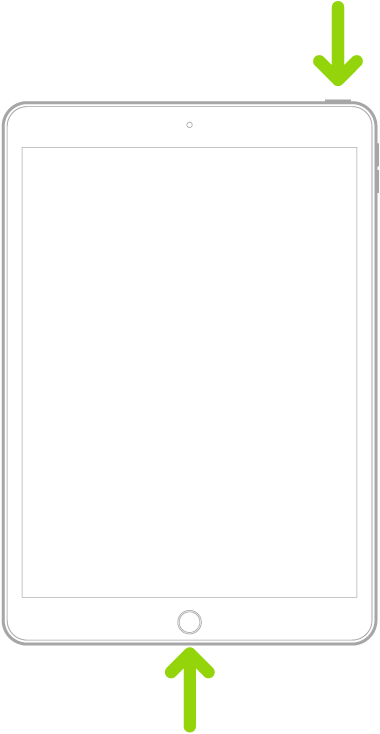
Force restart iPad (models with the Home button)
Press and hold the top button and the Home button at the same time. When the Apple logo appears, release both buttons.