turkey101 wrote:
I have come to the same conclusion myself, but I still find it illogical.
It's the way things have worked for quite some time. Lists that sync to iCloud get more features than lists that don't. It's not new.
<old man rant mode on> Why would the "Urgent" alarm feature be unavailable just because the list is not synced through the cloud? (A rhetorical question unless someone has an actual answer).
You have the actual answer. And it's documented.
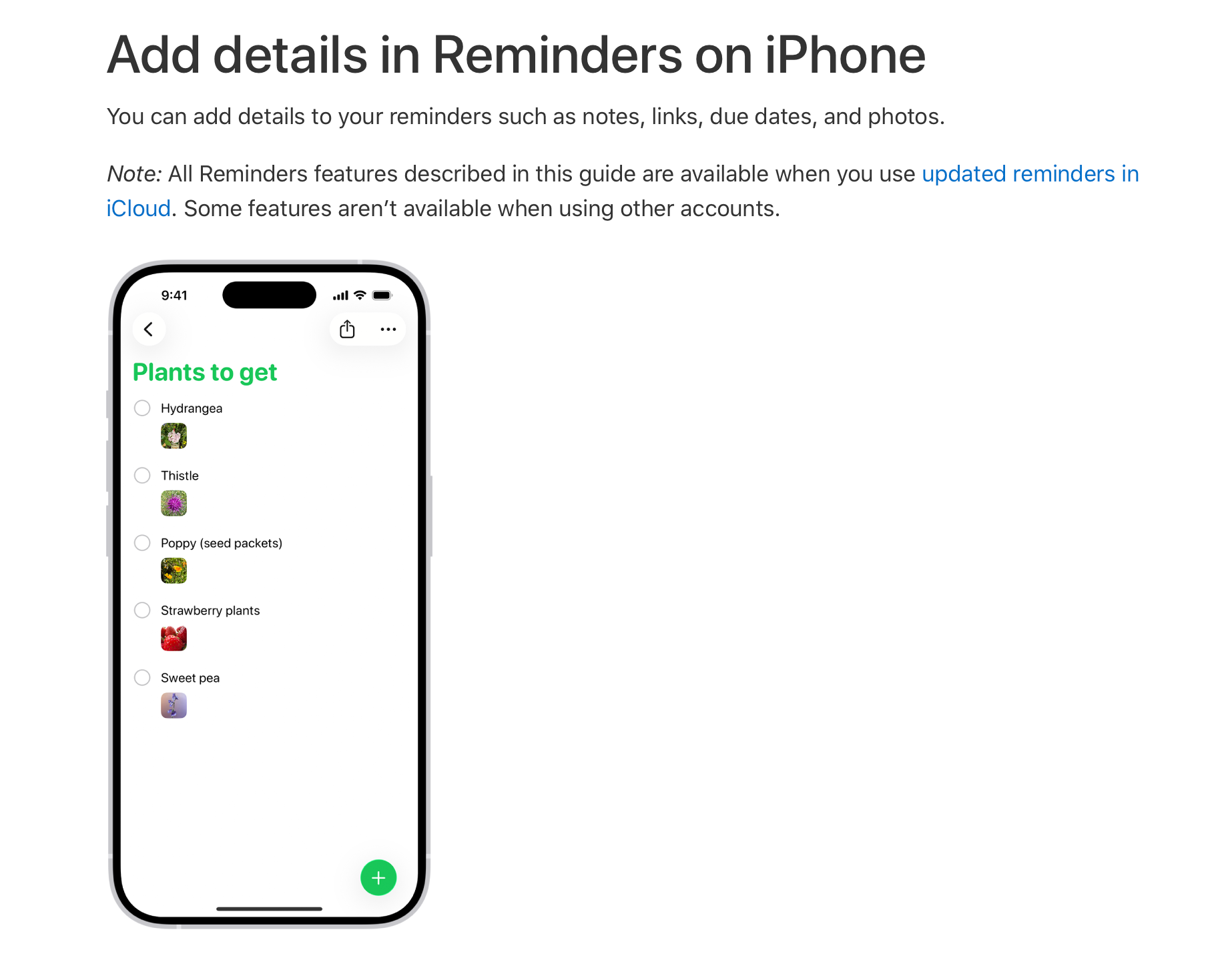
Add details in Reminders on iPhone - Apple Support
I don't know what the reason is. I suspect there's a good one, though.
And as shown in my screenshots, it's not just the Urgent toggle... those un-synced reminders can't use Tags and other Reminder features.
That's correct. Lists that don't sync to iCloud don't have all the feature of the ones that do.
That's OK, I'll cope! 😁 Thanks everyone for trying to help. I'll switch to synced Reminder Lists only.
Good call. That also means that, should something happen to your phone that renders it unusable or inaccessible, you'll still have your reminders.