iphone 14 tesla charging
I just got an iPhone 14 (not pro or pro max), and it will not charge on my 2021 Tesla Model Y charging pad. My iPhone 11 had no problems charging. Any fixes other than using a cord?
I just got an iPhone 14 (not pro or pro max), and it will not charge on my 2021 Tesla Model Y charging pad. My iPhone 11 had no problems charging. Any fixes other than using a cord?
hi, the problem seems to be the distance between the charger and the phone caused by the thic camera on the newer phones. turning the phone upside down helps.
i'm thinking about solving this by just placing an magsafe charger ontop of the mat or something. keeping the phone upside down is just ennoying
hi, the problem seems to be the distance between the charger and the phone caused by the thic camera on the newer phones. turning the phone upside down helps.
i'm thinking about solving this by just placing an magsafe charger ontop of the mat or something. keeping the phone upside down is just ennoying
I have same problem in my Tesla model 3 performance 2022.
iPhone 11 Pro did not had this problem, and camera’s are same hight! So Apple, do not try to mislead customers.!
we have 2 iPhone 14. My iPhone 14 has the issue, while the other 14 does not.!
so it is not a Tesla issue but Apple iPhone 14 issue.
please fix.
Hi there,
To help us better assist you, can you let us know if you experience issues charging your iPhone other ways as well? Do you ever receive an error message when the iPhone won't charge?
The above details will help us plan how to proceed.
If your iPhone isn't charging as expected at other times as well, please check out this link, which has suggestions that may help: If your iPhone or iPod touch won't charge
If your device charges slowly or won’t charge
Follow these steps and try again after each:
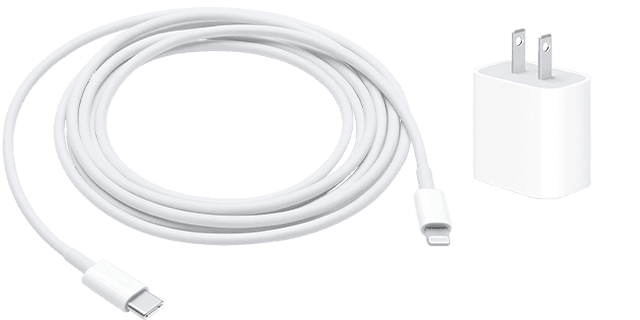
1. Check your charging cable and USB adapter for signs of damage, like breakage or bent prongs. Don't use damaged accessories.
2. Use a wall power outlet and check for firm connections between your charging cable, USB wall adapter, and wall outlet or AC power cable, or try a different outlet.
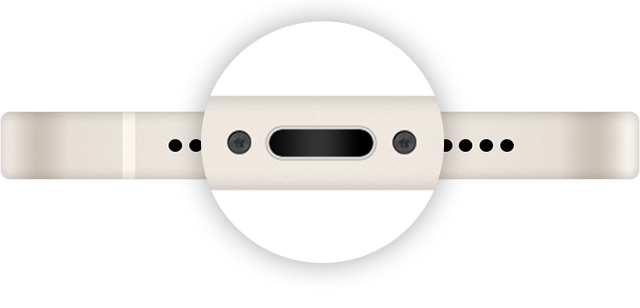
3. Remove any debris from the charging port on the bottom of your device, then firmly plug your charging cable into your device. If the charging port is damaged, your device probably needs service.
4. Let your device charge for a half hour.
5. If your device is still unresponsive, force restart your device:
• iPhone 8 or later and iPhone SE (2nd generation): Press and quickly release the volume up button. Press and quickly release the volume down button. Press and hold the side button until the Apple logo appears.
• iPhone 7, iPhone 7 Plus, and iPod touch (7th generation): Press and hold both the side (or top) button and the volume down button until the Apple logo appears.
• iPhone 6s or earlier, iPhone SE (1st generation), and iPod touch (6th generation) or earlier: Press and hold both the side (or top) button and the Home button until the Apple logo appears.
6. Let your device charge for another half hour.
7. If your device still won't power on or charge, take your device, charging cable, and charging adapter to an Apple Store or Apple Authorized Service Provider for evaluation. You can also contact Apple Support.
Thanks!
I have no other problems charging. It just won't charge on the charging pad of my Tesla.
Hi TiggerEsq,
If the problem with charging your iPhone is only in your vehicle, then you may want to contact the manufacturer for further assistance.
Thanks for using Apple Support Communities.
Why not ask him to get a new car? That would be more helpful advice than this.
Same issue here, from the 13 pro max with no issues at all to the 14 pro max, not charging. Apple wants us to go away, customers are annoying, right ?
iphone 14 tesla charging