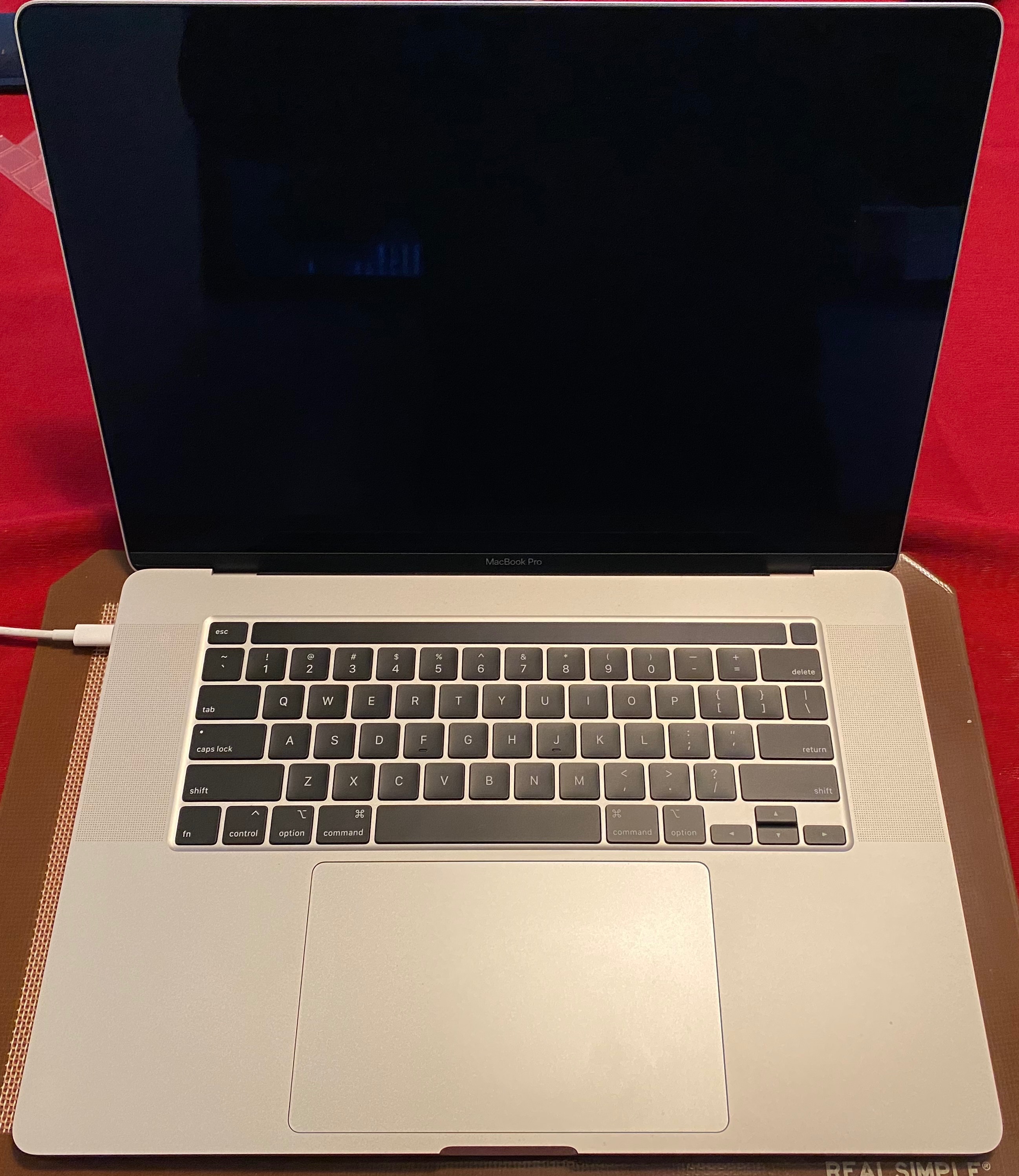
When I go to any website all the letters are hard to see I can barely read any of it

CAN ANYBODY EXPLAIN WHY WHEN I GO TO ANY WEBSITE INCLUDING APPLE .COM THAT ALL THE LETTERS OF THE SUBJECT MATTER IS SO HARD TO SEE I CAN BARELY READ IT, IS THERE A SETTING THAT I NEED TO LOOK AT? PLEASE HELP MY EYES ARE NOT THAT GOOD I EVEN BELIEVE THAT SOMEONE WITH 20/20 EYE SITE WOULD HAVE A PROBLEM. THANKS.


[Re-Titled by Moderator]

MacBook

Posted on Jun 17, 2019 1:22 PM

Reply
Question marked as Top-ranking reply

Posted on Jun 17, 2019 5:50 PM

If using Safari:


Safari > Preferences > Advanced ...


...Never use font sizes smaller than [ 14 ] points


... insert a font size that better meets your needs, and text will be re-rendered in the larger font size ... but pictures will not be enlarged.


8 replies

Jun 17, 2019 1:31 PM in response to garyfromwrightwood

Typing in all caps is also universally known to be hard to read. And yet, that's what you did.


If the text on a given site is too small for your comfort, hold the Command key down and press the + key. Keep doing this for as much as you want to increase the overall layout of the site. To return to the site's normal size, press Command+0. That's a zero, not a capital O. To go smaller, or back down a step if you made a site too big, hold the Command key and press the - key.

This thread has been closed by the system or the community team. You may vote for any posts you find helpful, or search the Community for additional answers.

When I go to any website all the letters are hard to see I can barely read any of it

Welcome to Apple Support Community
A forum where Apple customers help each other with their products. Get started with your Apple Account.